
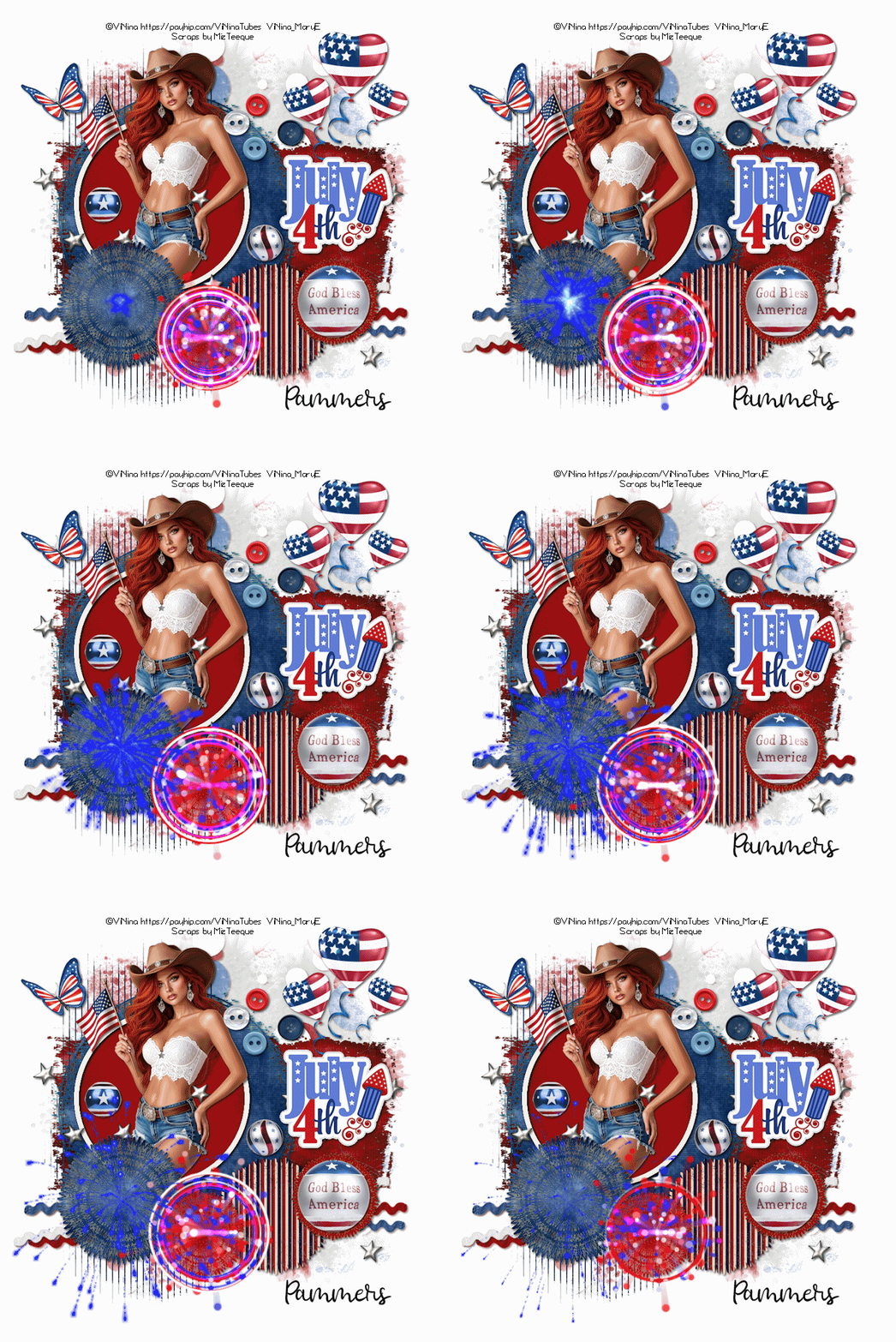
Scrap kit - Stars & Stripes - HERE
Mask - Your choice
Template - HERE
Tube - Prihodko - HERE
Animation - HERE
***Disclaimer***
This tutorial is of my own creation. I am using PSP2019. Please leave a thanks when downloading. If I am using a template, I always start at the bottom and work my way up. If using a FTU or PTU tube - please don't use without proper copyright. Always drop shadow as you go. If you try one of my tuts, I would love to display it on my blog....thanks
~~~~~~~~~~~~~~~~~~~~~~~~
Open template and delete copyright layer
Image/canvas size/800x800
Flood fill white layer
P6 - apply mask/merge group
Rectangle - p9
Stripes - p8
Bg circle - p8
Frame fill - p4
Position tube
Round images - new raster layer/flood fill/hide original layer
E17 - resize 50%
E46
E18 - resize 40%
E44
E66 - resize 30%
E24 - resize 40%
E23 - resize 20%
E25 - resize 20%
E45 - resize 30%
Merge visible/crop/resize as needed/add proper copyright
TO ANIMATE:
Open AS
Open MNG #473
CtrlA to select all
Copy image from PSP
Paste as new animation
CtrlL 15 times (total of 16)
CtrlA to select all
Drag your animation into position on PSP image
Save
Mary

No comments:
Post a Comment