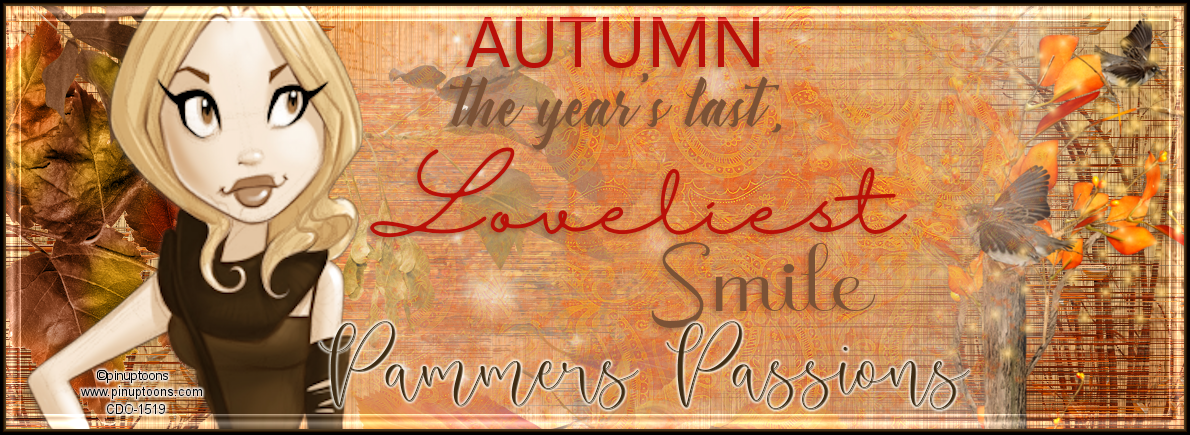

Scrap kit - MBM - HERE
Mask - Your choice
Template - #44 - HERE (scroll down for this bundle)
Tube - Exclusive to MBM - HERE
***Disclaimer***
This tutorial is of my own creation. I am using PSP2019. Please leave a thanks when downloading. If I am using a template, I always start at the bottom and work my way up. If using a FTU or PTU tube - please don't use without proper copyright. Always drop shadow as you go. If you try one of my tuts, I would love to display it on my blog....thanks
~~~~~~~~~~~~~~~~~~~~~~~~
Open template and delete copyright, word art, and white layer
Image/canvas size/800x800
P11 - resize 80%/apply mask/merge group/send to bottom
Circle big - flood fill color of choice
Add glass effect
Circle - p16
E138
Frame2 fill - p3
Position close up - layer properties to multiply or what looks best
Frame2 - p5
Add inner bevel of choice
Frame1 fill - p3
Frame1 - flood fill
Add inner bevel of choice
E20 - resize 60%
Rotate right by 20
E9
E8
E56 - resize 80%
E57 - resize 80%
E27
E128 - resize 80%
E88 - resize 60%
E136
E162 - resize 50%
Position tube
Merge visible/crop/resize as needed/add proper copyright

Oooh! 🤩Thank you so much, Hun for this stunning tag.🥰
ReplyDeleteThat kit & the Ozzy tube look fantastic together.😍
Thank you also for making my kit & the tube look so awesome.🥰💖
*hugz*
you are most welcome!!! Enjoy your kits and am glad I can do them justice!
Delete